Your whole rack.
One app.
The free desktop app where all your DEESTECH plug-ins live. Browse and buy, install in one click, and everything you own auto-activates the moment it's yours and stays up to date — no license keys, no manual setup. Mac and Windows.
Free to download · sign in with Apple or Google
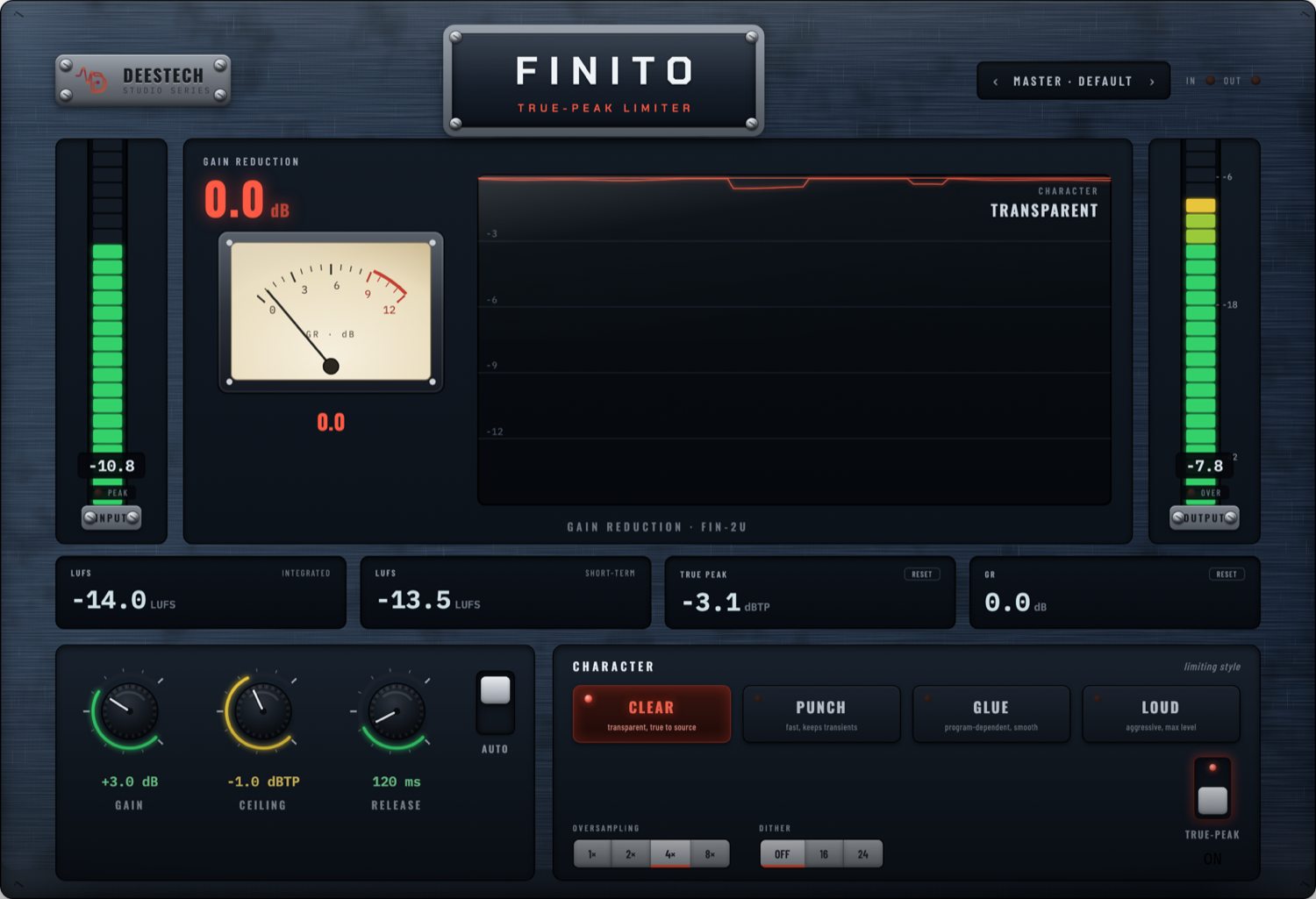
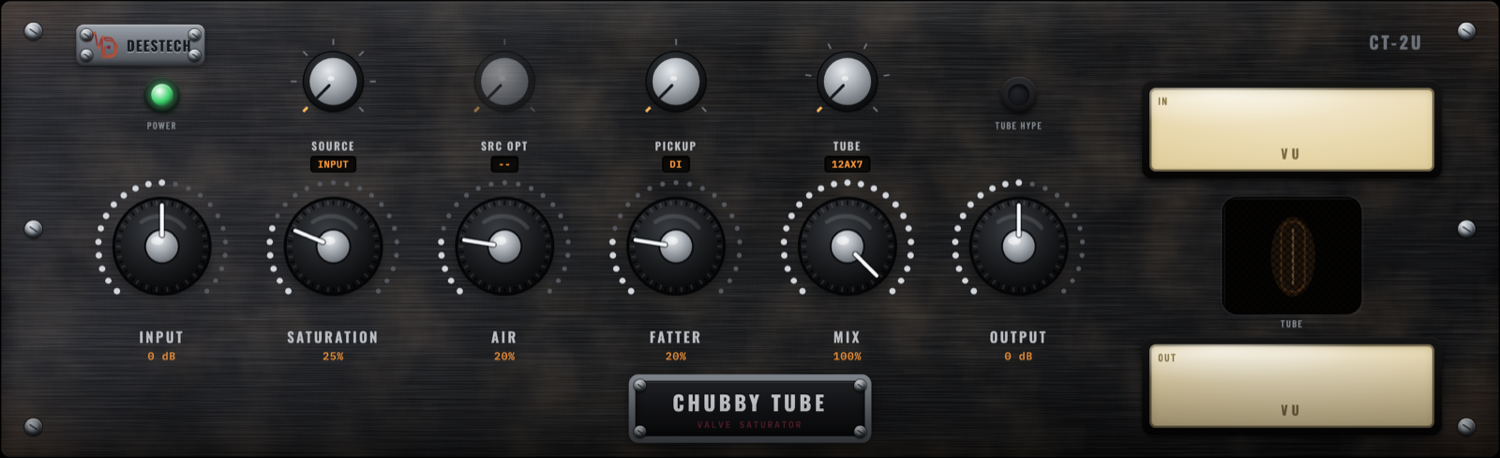
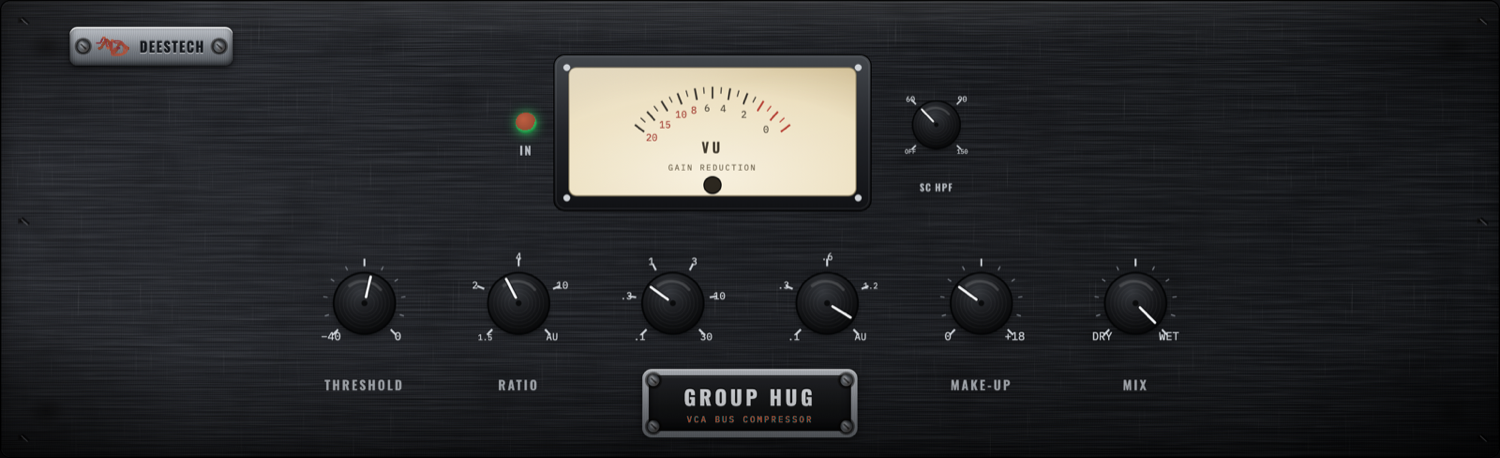
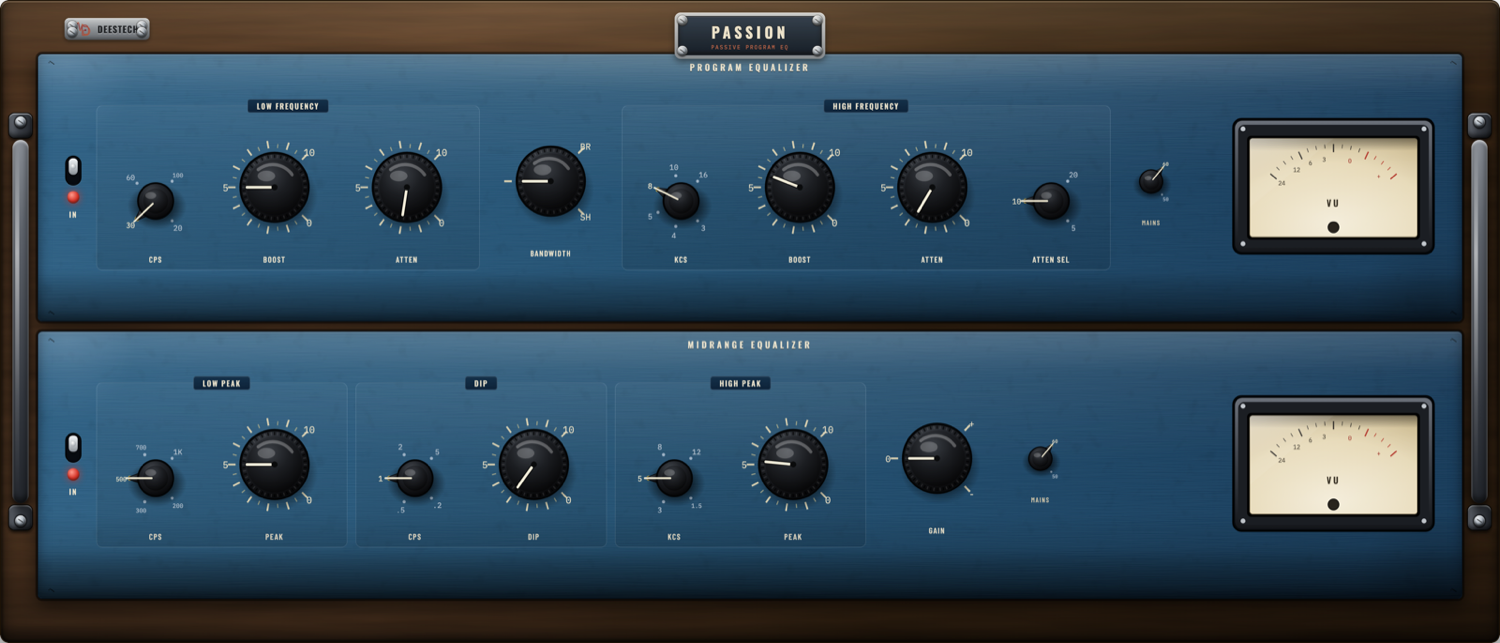
Manage your whole rack in one place
The web store is where you browse and buy. The DEESTECH Suite does everything after — install, unlock, update and organise, so your plug-ins just work.
Browse & buy
The full Studio Series rack, right inside the app — hear it, see the faceplate, and buy without leaving your desk.
One-click install
Click install and the plug-in drops straight into your DAW — AU, VST3 and AAX, placed where your DAW expects them.
Auto-activate
Anything you own unlocks the moment it's yours — no license keys to copy, no codes to paste. Buy it, and it's live.
Auto-update
The Suite keeps every unit — and itself — current in the background. New versions and fixes arrive without a thing to do.
Your rack, organised
Everything you own in one window — installed, available, updating. See the whole collection at a glance, on any computer.
Sign in, anywhere
Sign in with Apple or Google and your licenses follow you. New laptop? Sign in and everything you own re-installs.
From download to playing — four steps
Get the DEESTECH Suite
Mac is ready now — signed and notarized by Apple, so it opens with no warnings. Windows is arriving on the Microsoft Store (no SmartScreen warning, automatic updates). Click Download for Mac and pop in your email — the link starts right away (and lands in your inbox). Windows users: leave your email and we'll tell you the day it's live on the Store.
No spam — one email when the Suite is ready, plus the occasional update. Unsubscribe any time.